


Vessen Cordless Electric Scissors
That pile of delivery boxes, flat in minutes.
What can it cut?
Everyday packaging and craft materials up to 1/4 inch thick:
- Cardboard boxes, from thin mailers to thick shipping boxes
- Hard plastic packaging, like clamshells
- Fabric, up to 4 layers at once
- Leather, felt and carpet
- Nylon straps
How long does the battery last?
A full charge gives you up to 40 minutes of cutting from the built-in 2000 mAh battery. The display shows the battery level in %, so you always know how much is left.
To charge, plug the included USB-C cable into the port on the back and into any USB phone charger. The cable is in the box; the wall plug is not.
What's in the box?
- Vessen Glide cordless electric scissors
- Free spare blade
- Blade-change tool
- USB-C charging cable
- Storage case
- User manual
See the Glide in use
Cardboard
Carpet
Leather
Fabric
Nylon strap
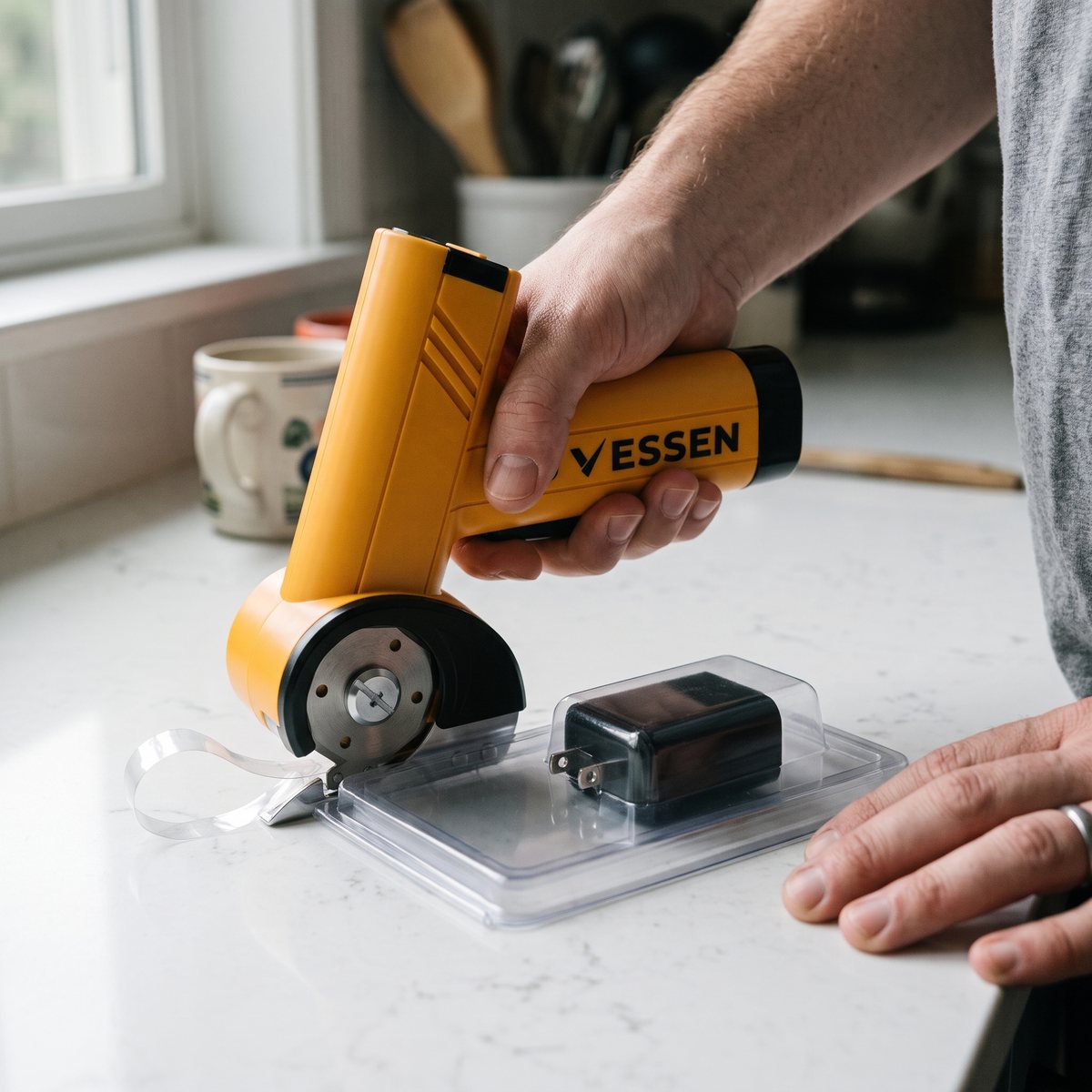
Plastic packaging
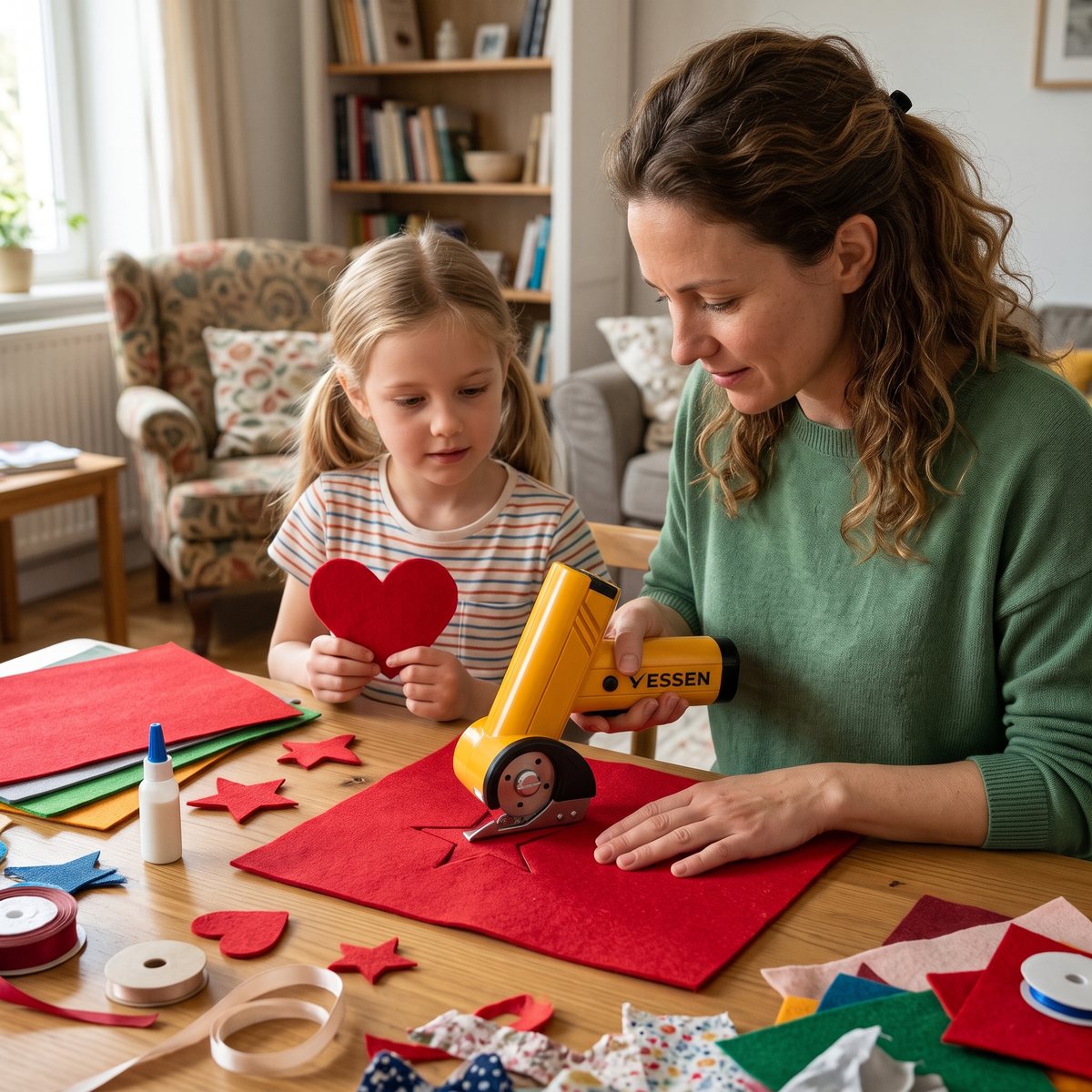
Felt
How it works
How the Glide works
A motor spins the round blade at up to 420 RPM. You don't squeeze anything. You hold the handle and guide the Glide along your line.
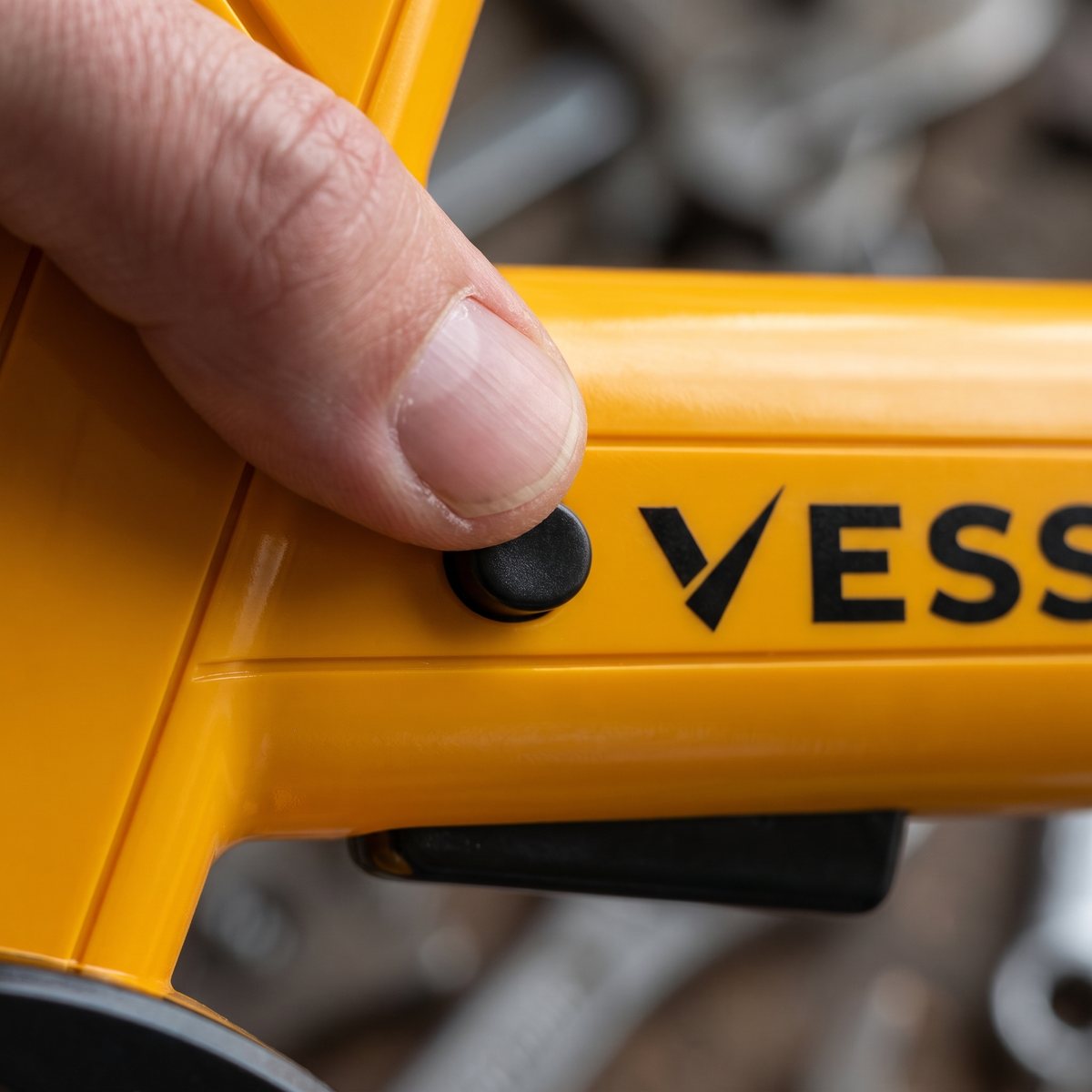
Press the safety button on the side of the handle to start the blade. Once it's running, you can let go of the button: the blade keeps turning while you cut.
The steel blade goes through cardboard, plastic packaging, fabric, felt, leather and carpet, up to 4 layers thick.
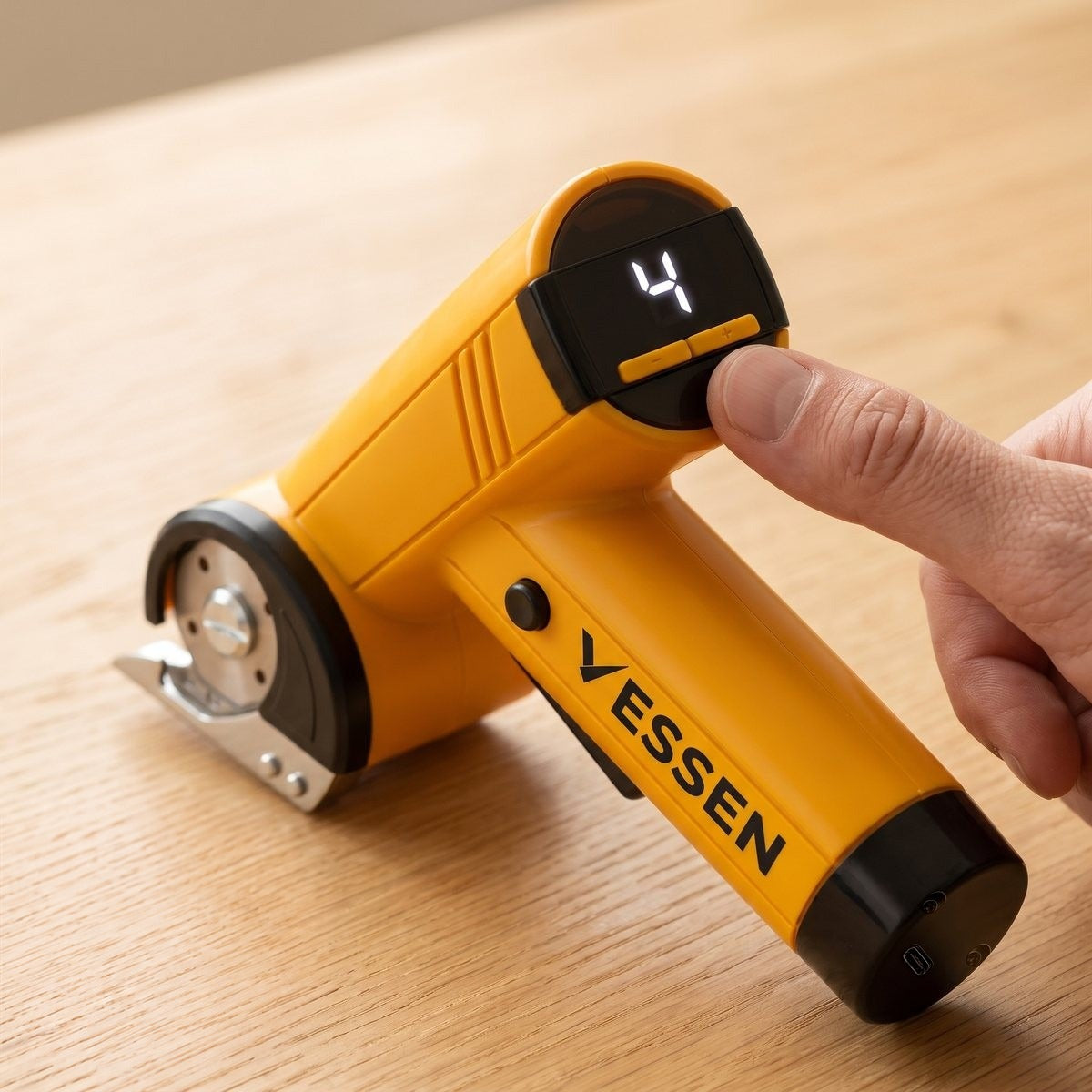
Speed modes
Four speed modes, one display
The display sits on top of the head, where you can see it while you cut. It shows the speed you're on: 1, 2, 3 or 4.
Change the speed with the two buttons on the display. No menus, no app.
Go slower when you want more control on a curve in fabric or felt, faster for long straight cuts through boxes.
Cordless
Cordless, with a pistol grip
You hold the Glide like a handle, not like scissors. Your hand wraps around the grip and the motor does the work, so sore or stiff hands don't have to squeeze, cut after cut.
At about 6.9 by 5.3 inches, it's small enough for a kitchen drawer.
No cord in the way: the built-in 2000 mAh battery charges through the USB-C port on the back.
The controls, at a glance
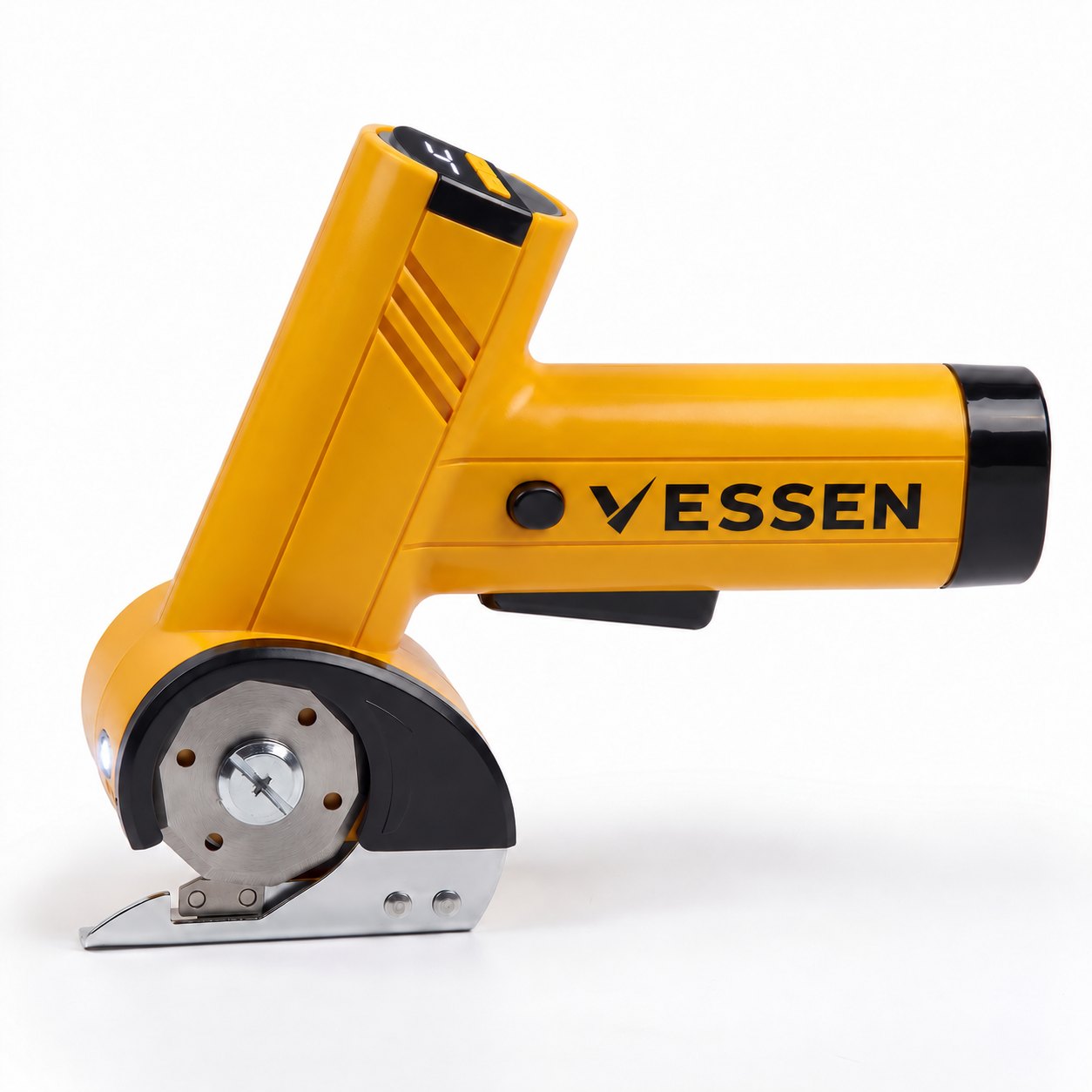
Display on top of the head, safety button on the side of the handle, power button on the bottom, USB-C port on the back.
-
speed modes: 1, 2, 3 and 4, shown on the display
-
buttons on the display change the mode
-
USB-C port on the back for charging
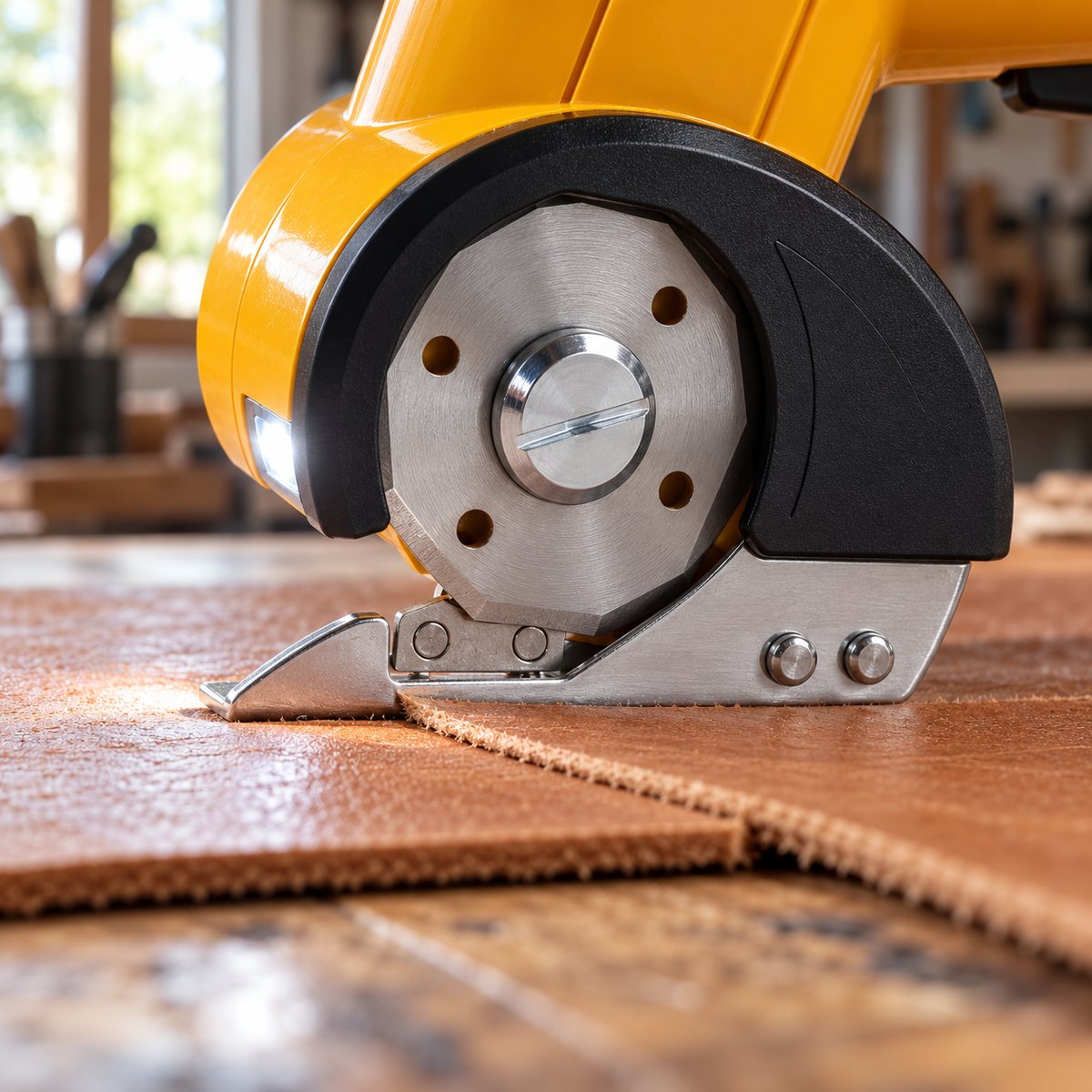
LED light
A light next to the blade
An LED sits right next to the blade and lights up the spot you're cutting.
Follow a pencil line on fabric, or a taped seam on a box in a dim garage, without leaning in to see it.
The blade sits under a guard. You still see the cutting line, and your fingers stay away from the edge.
Get yours
Ready to let the motor do the cutting?
- Free spare blade + blade-change tool in the box
- Storage case and USB-C cable included
- 30-day damaged-or-faulty cover
- Secure checkout
- Real person support
Between this and grips on my rulers, I can do a whole cutting day again.
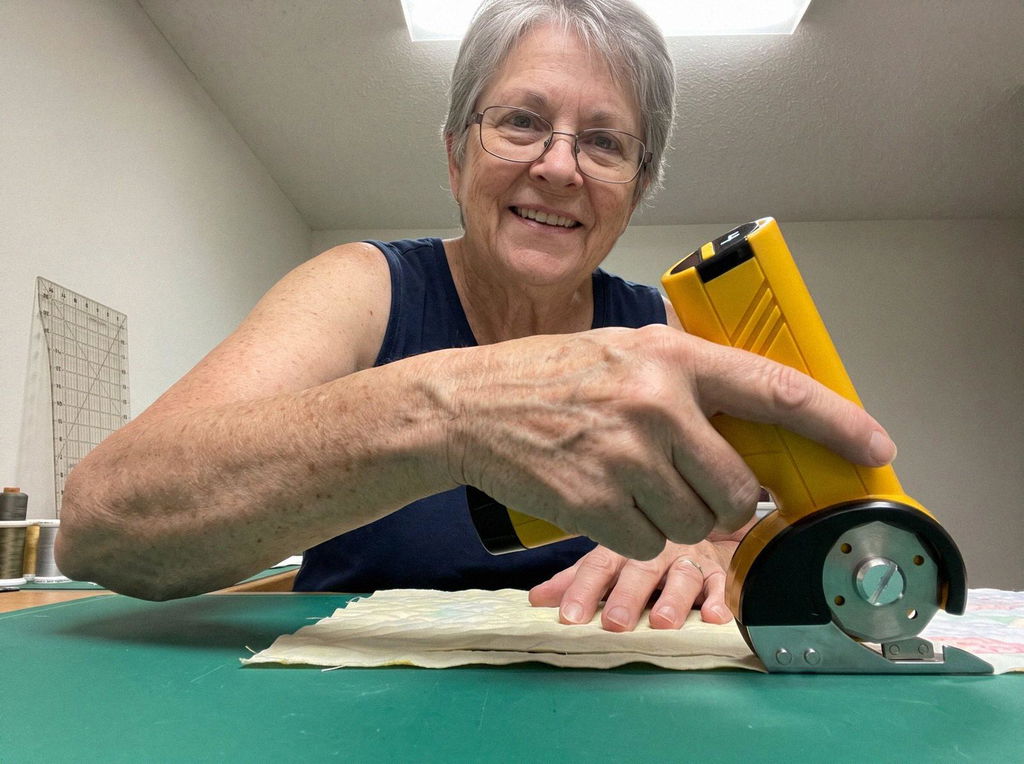
Great for straight cuts on sturdy cotton and flannel. On a slubby linen it grabbed a little, so I went slower. Still my go-to for the long cuts.
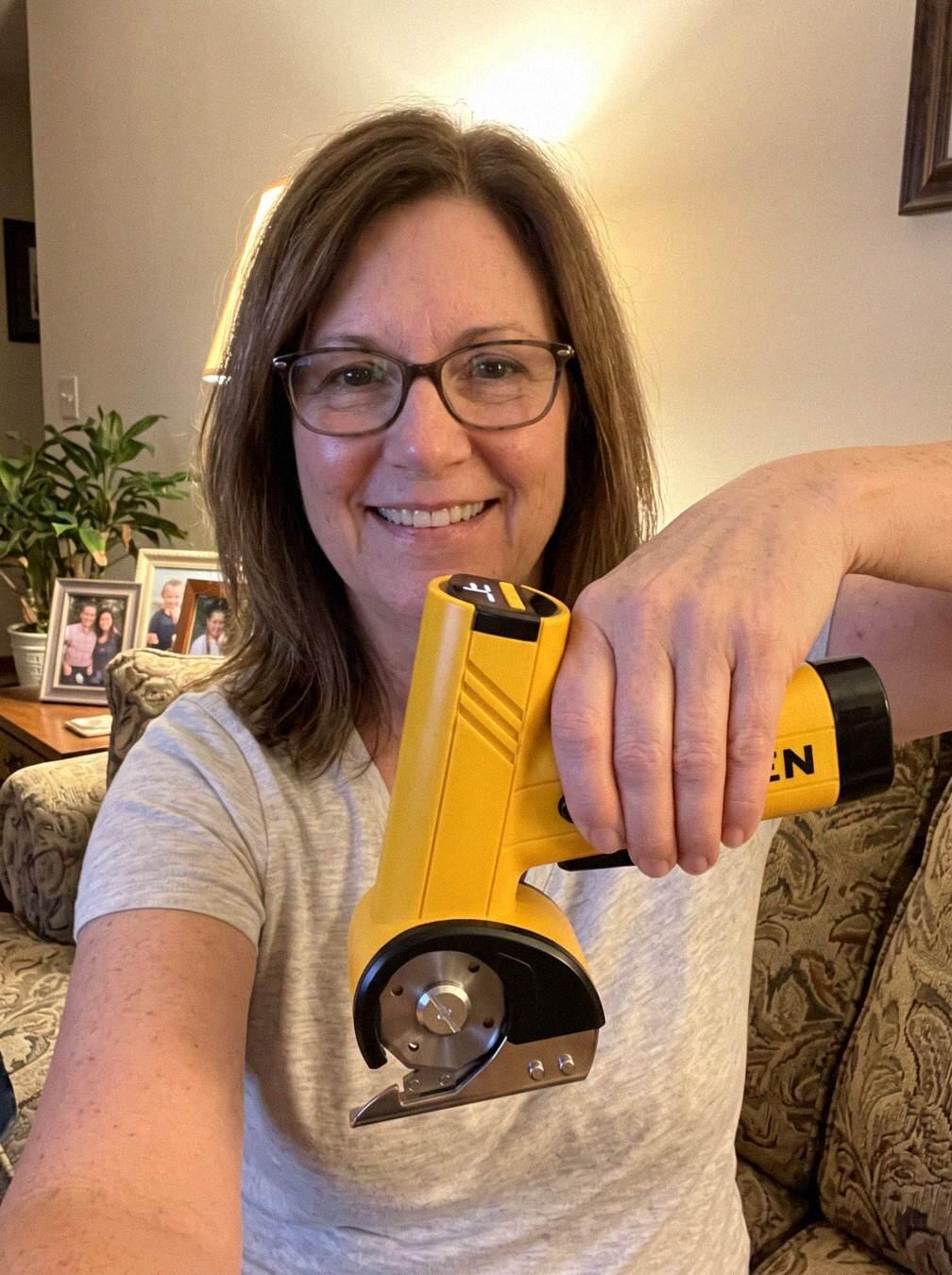
Cuts up shipping boxes like a breeze. Bought it for fabric, use it on the boxes too.
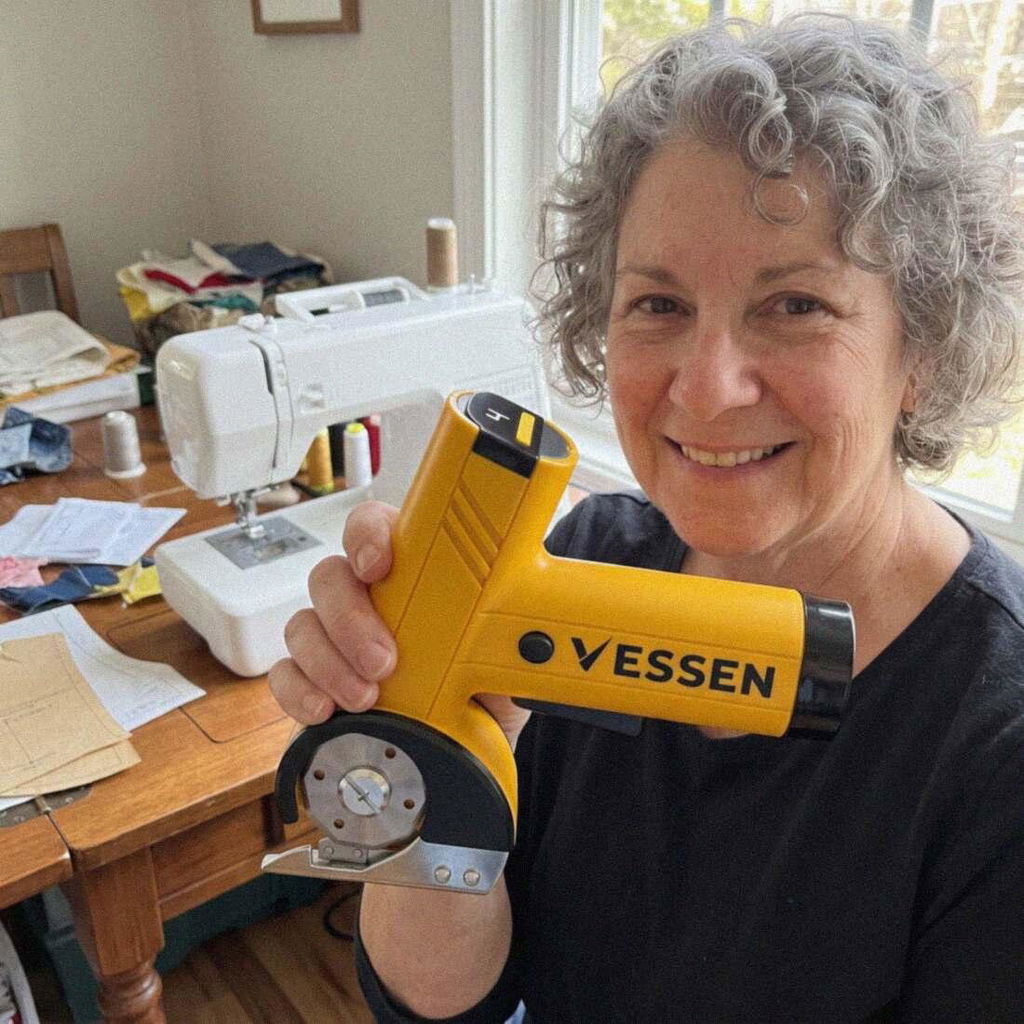
I keep quilting no matter what my hands say. This makes it a lot easier to keep going.
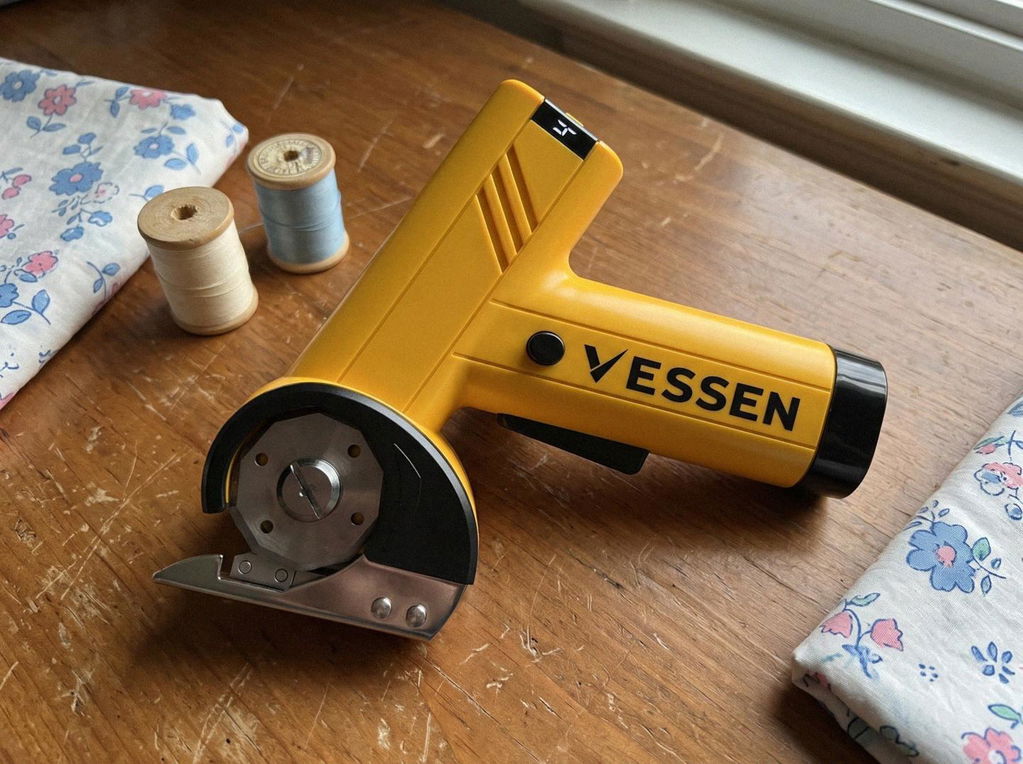
Bigger than I pictured from the photos. It's light though, and the cutting is easy.
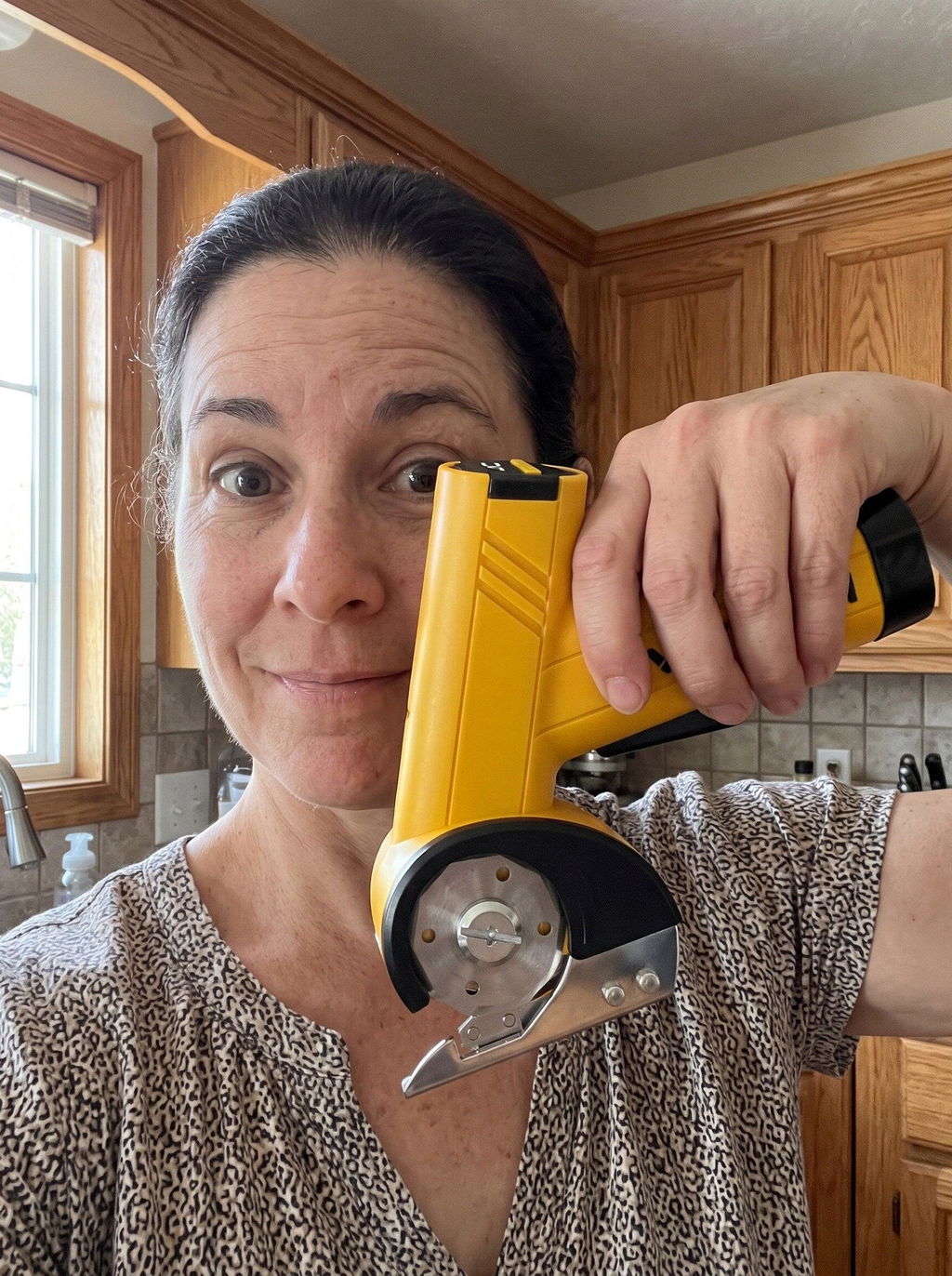
On a bad flare day I still have some pain holding anything, but it's nothing like scissors were.
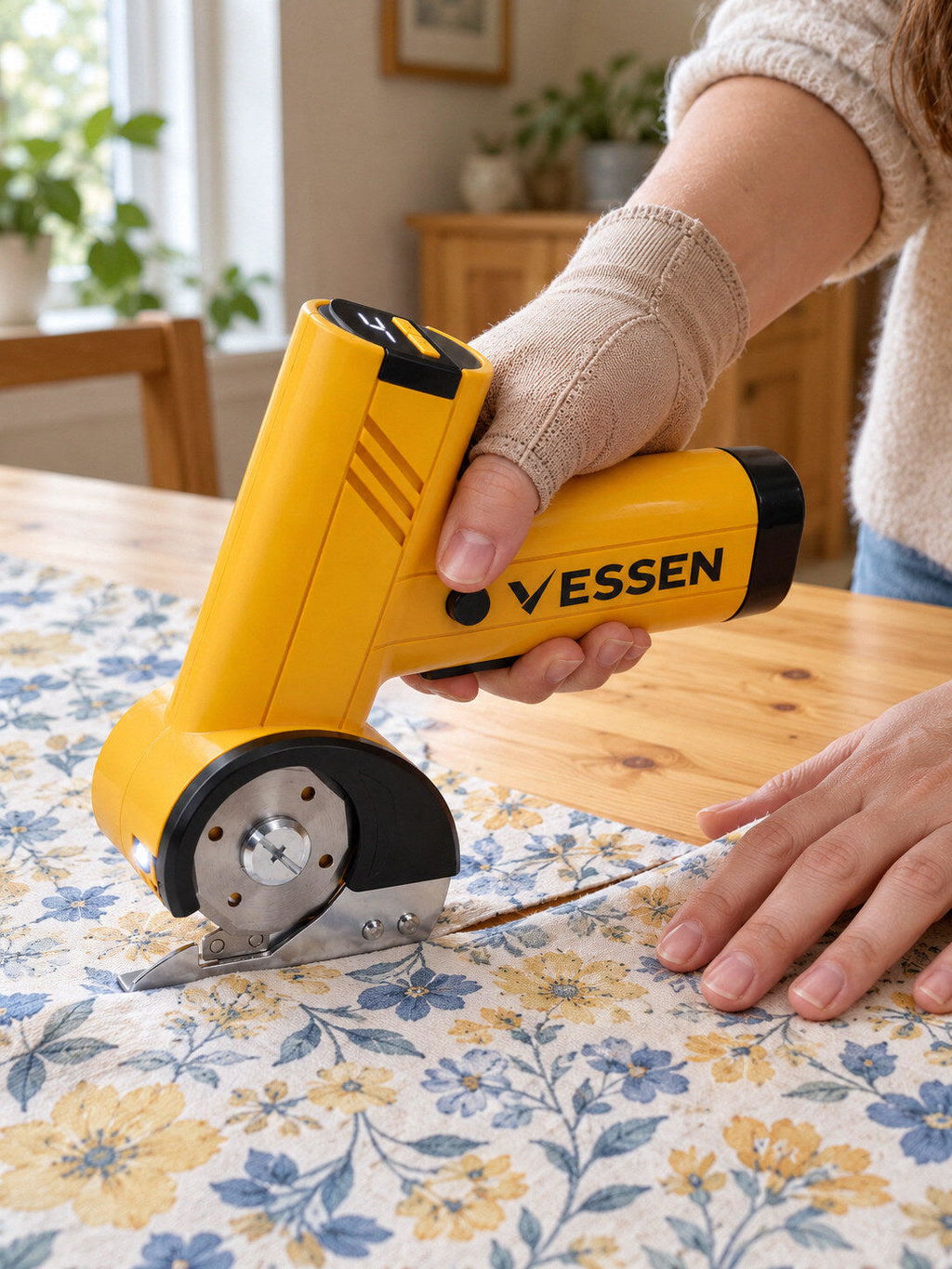
All those repetitive cuts used to make my hands ache. Now they don't ache when I'm done.
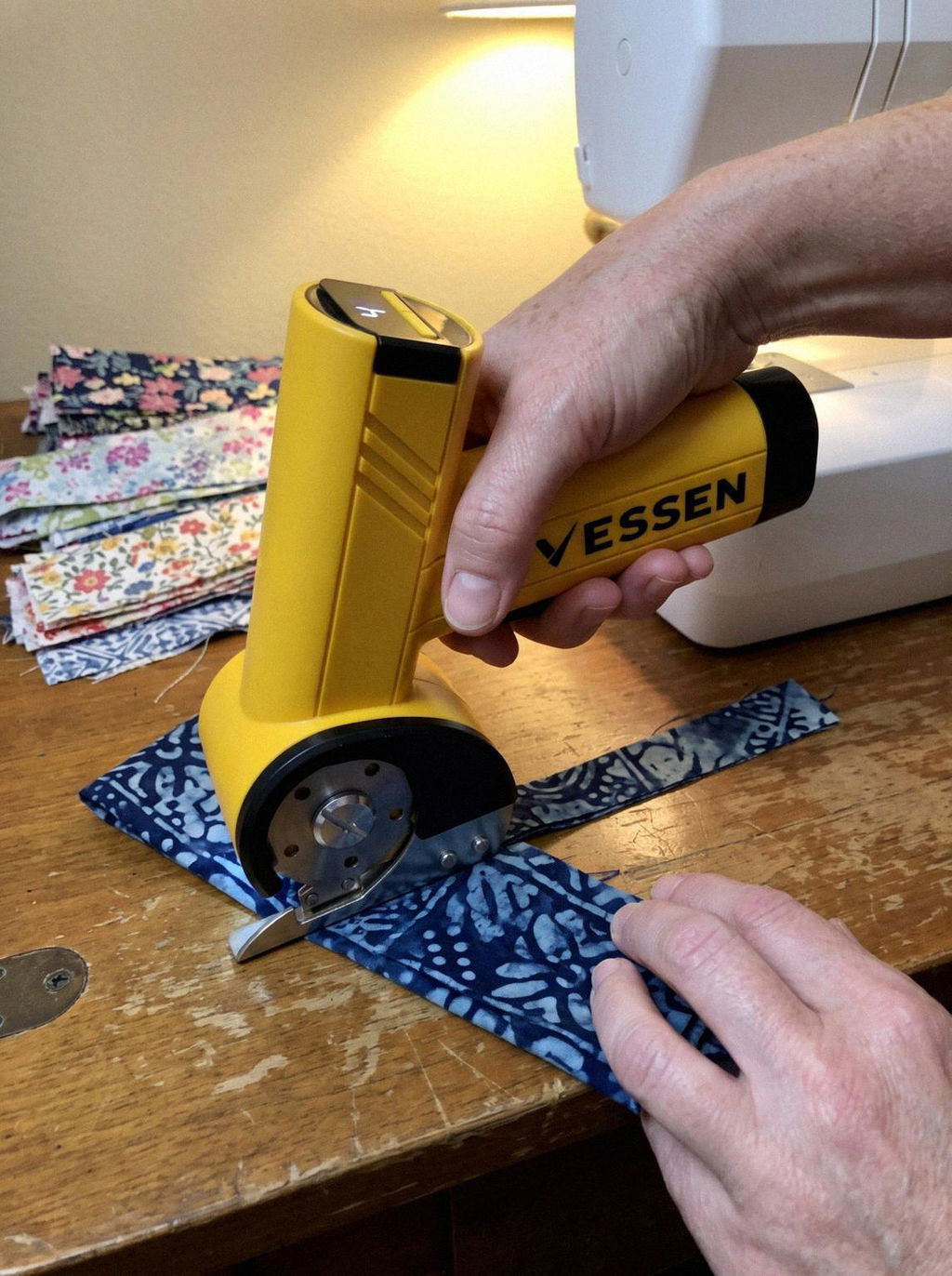
Carpal tunnel made me drop things. I hold this like a handle, so it doesn't slip out of my hand.
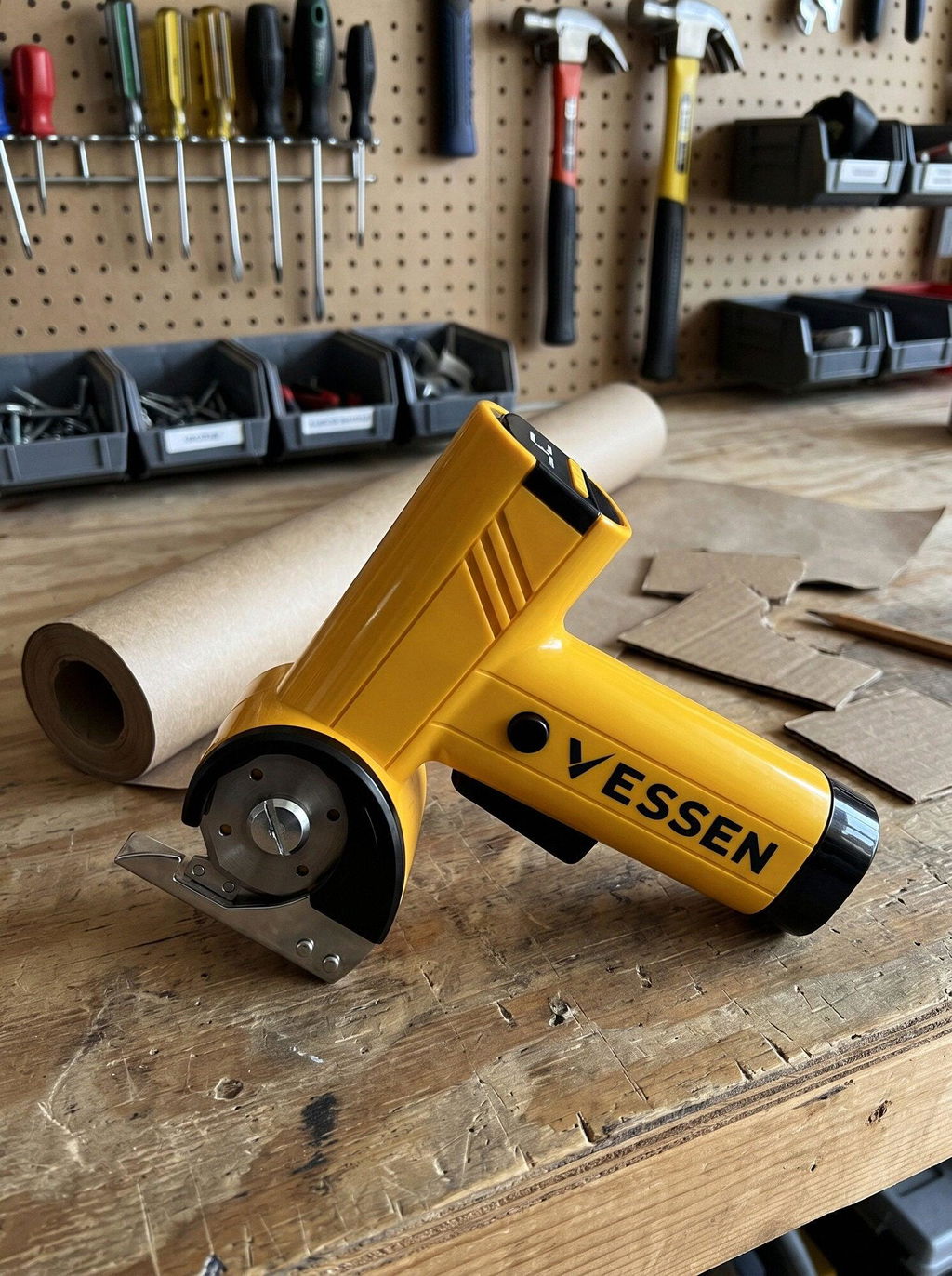
Bought it for fabric, ended up cutting a carpet remnant for the car too.
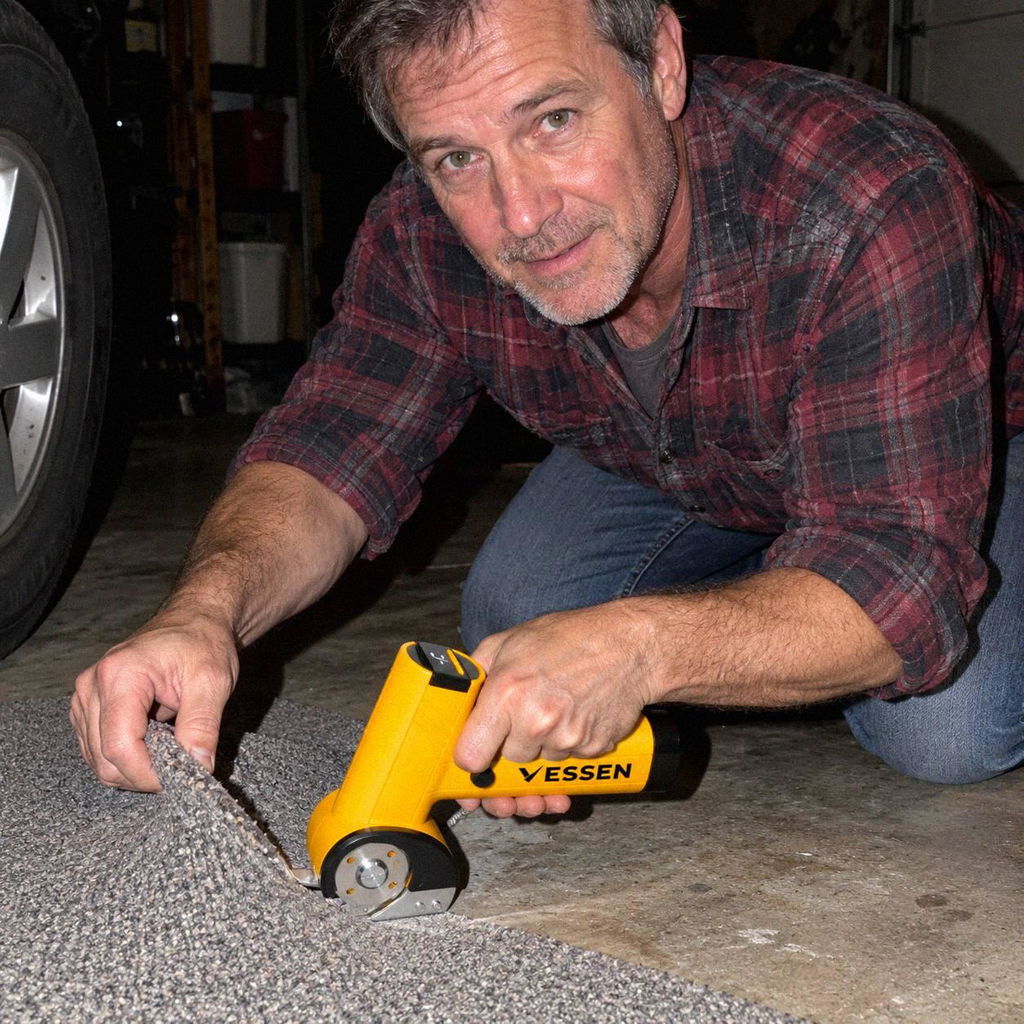
Tendinitis in my thumb, and the open-close motion of scissors was the problem. This has no open-close motion.
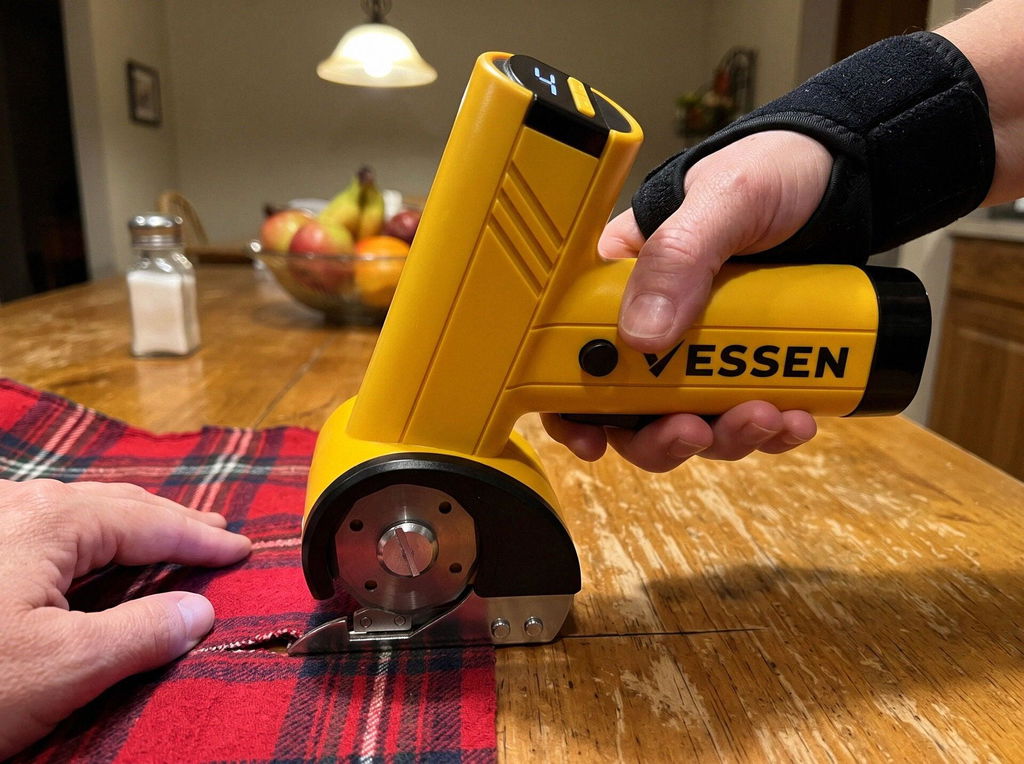
Helps my hands a lot. My back still complains if I cut too long at a low table, but that's not the scissors' fault.
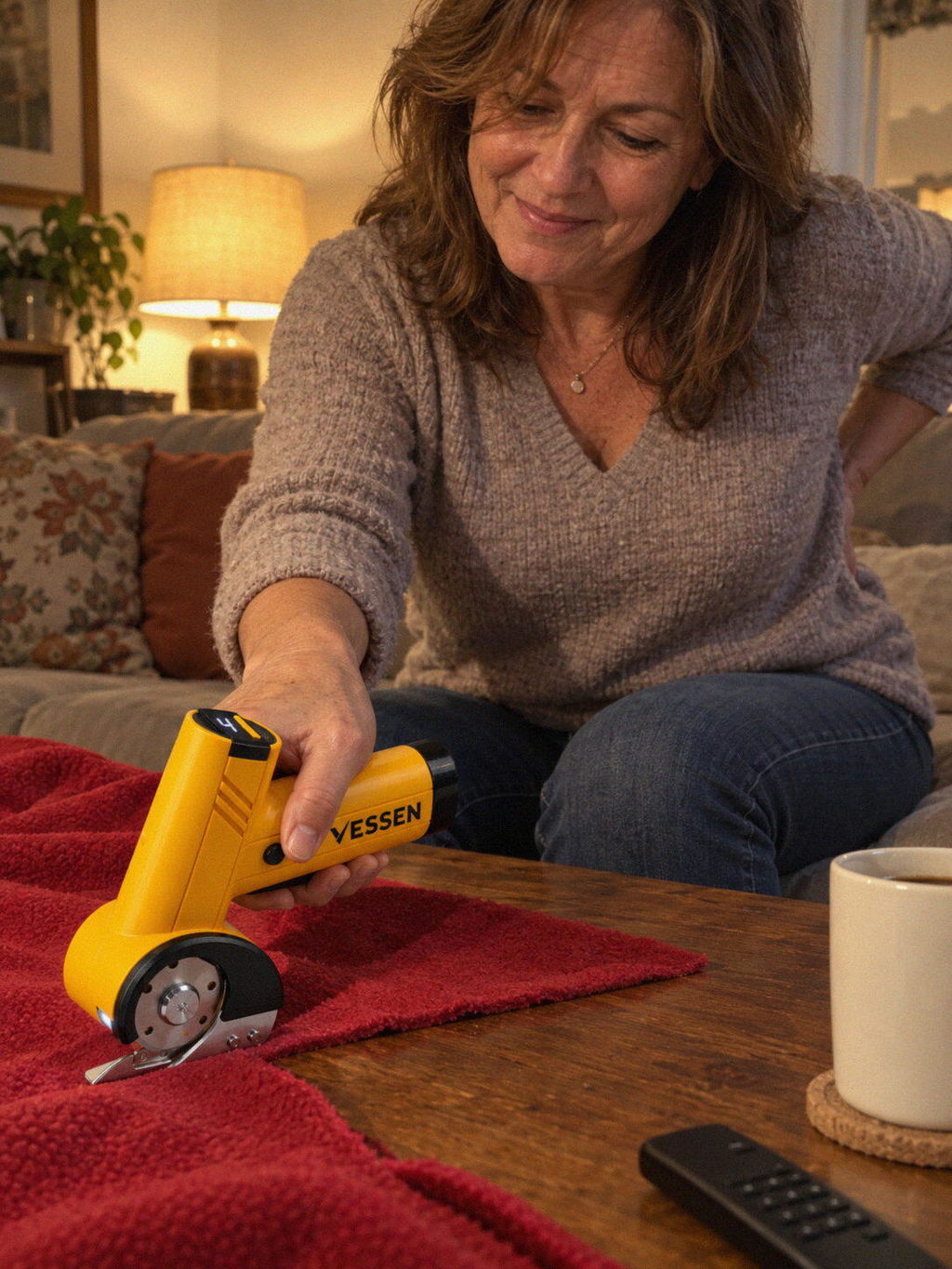
Having to give up a hobby because of pain is the worst. I almost gave up quilting. Not anymore.
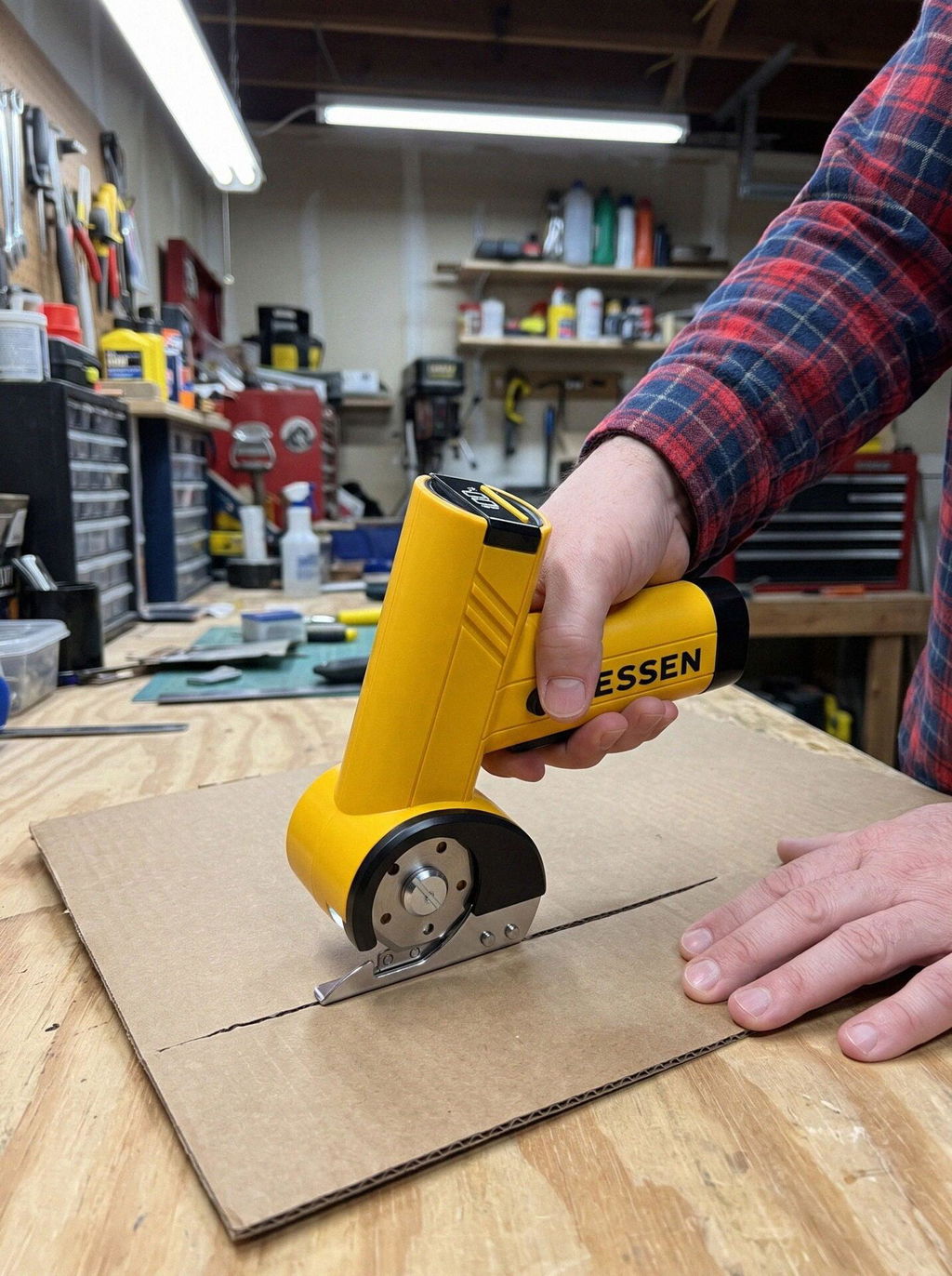
On thick denim I had to push to keep it moving. Quilting cotton is no problem.
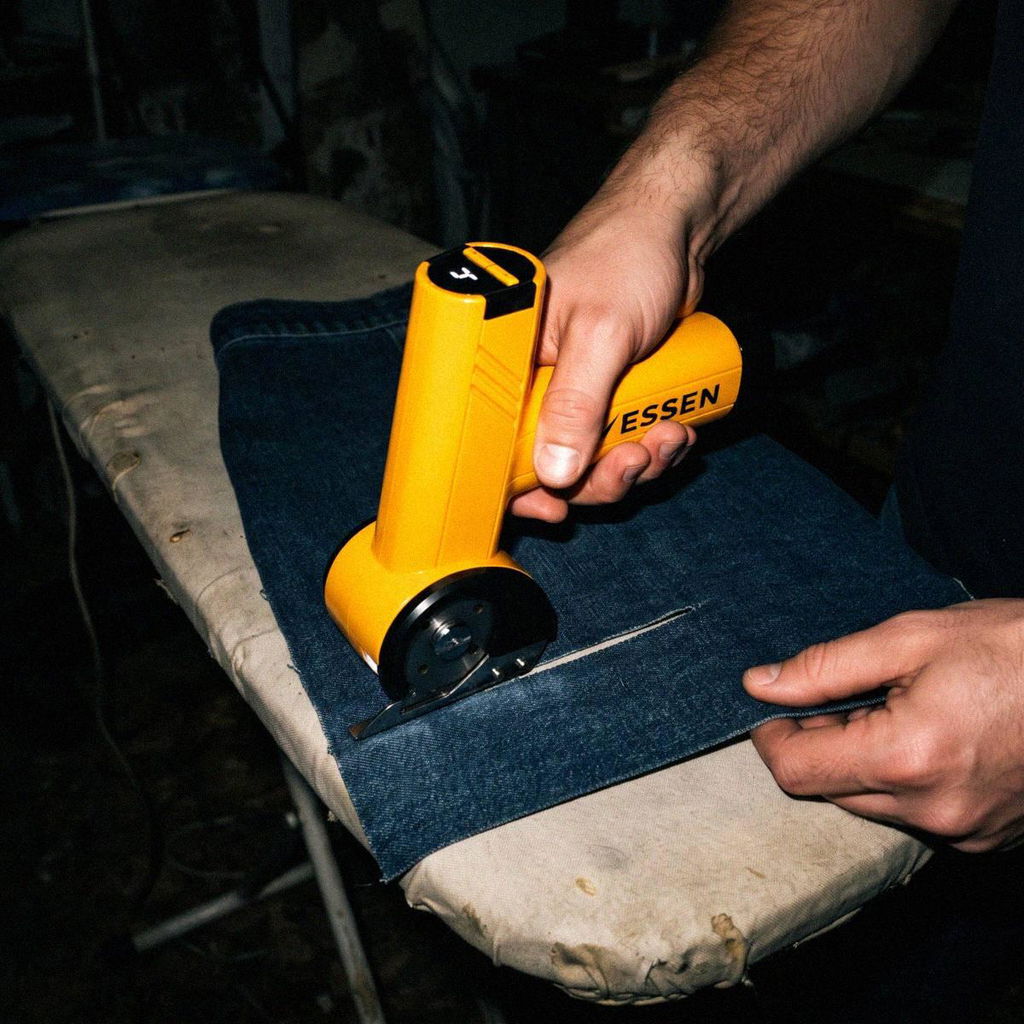
My last pattern took over 10 hours of cutting. This one took a fraction of that.
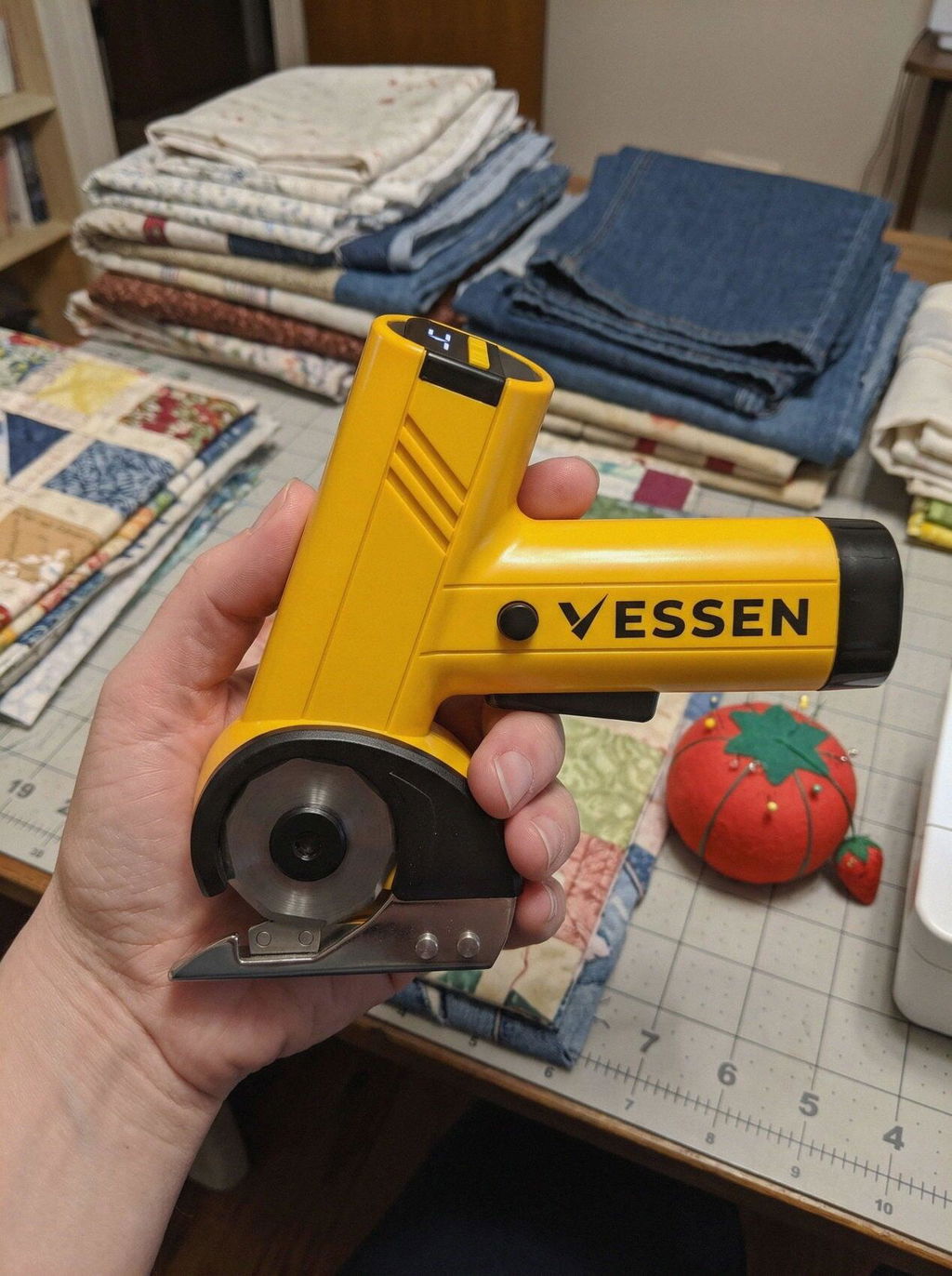
Takes some practice. My first cuts wandered off the line a bit. By the third quilt top I was cutting right on it.
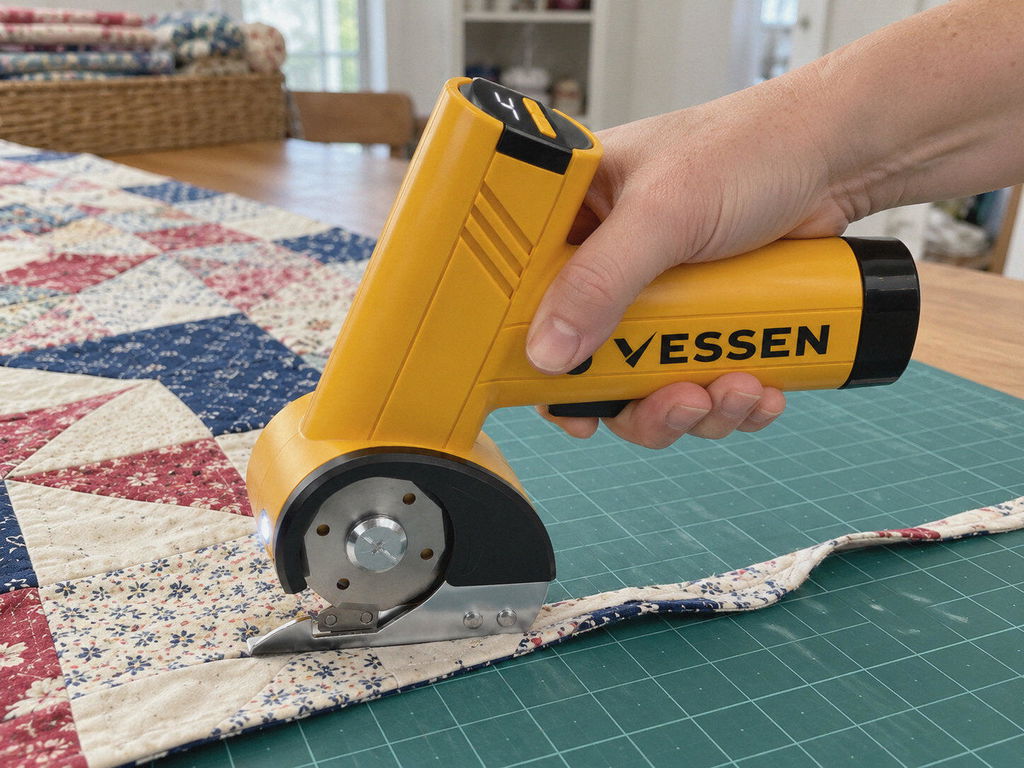
Carpal tunnel means I ration my sewing time. I'd rather spend it at the machine than cutting. This gives me that time back.
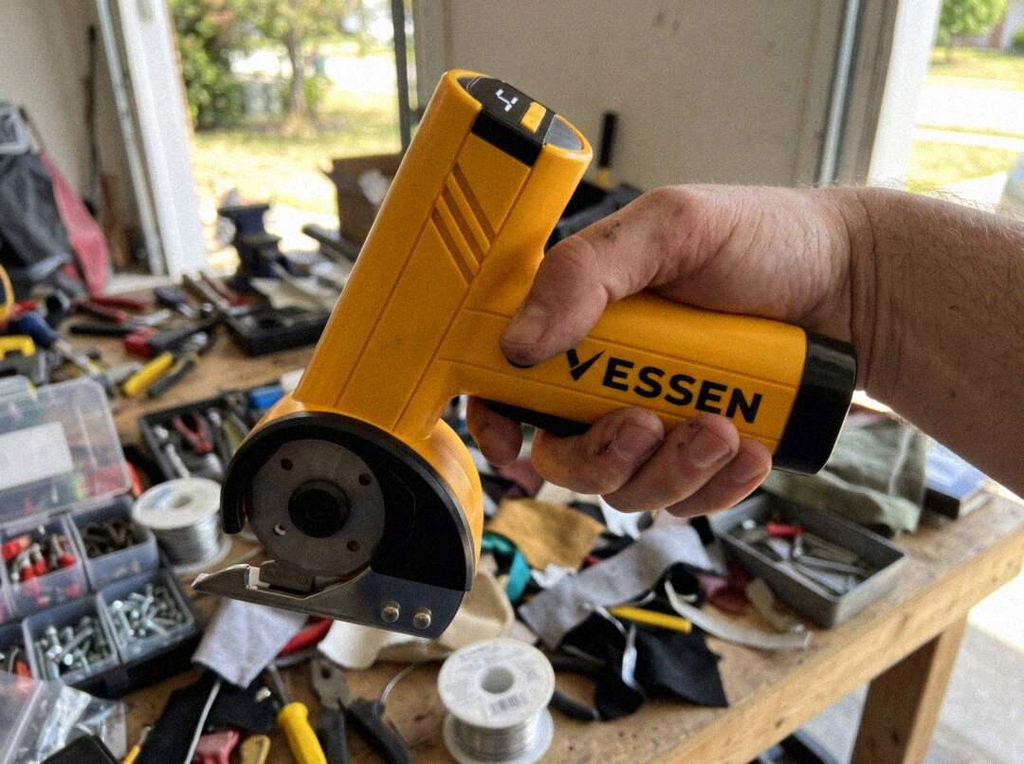
Cut the binding off an old quilted mattress topper to reuse it. Went right through all the layers.
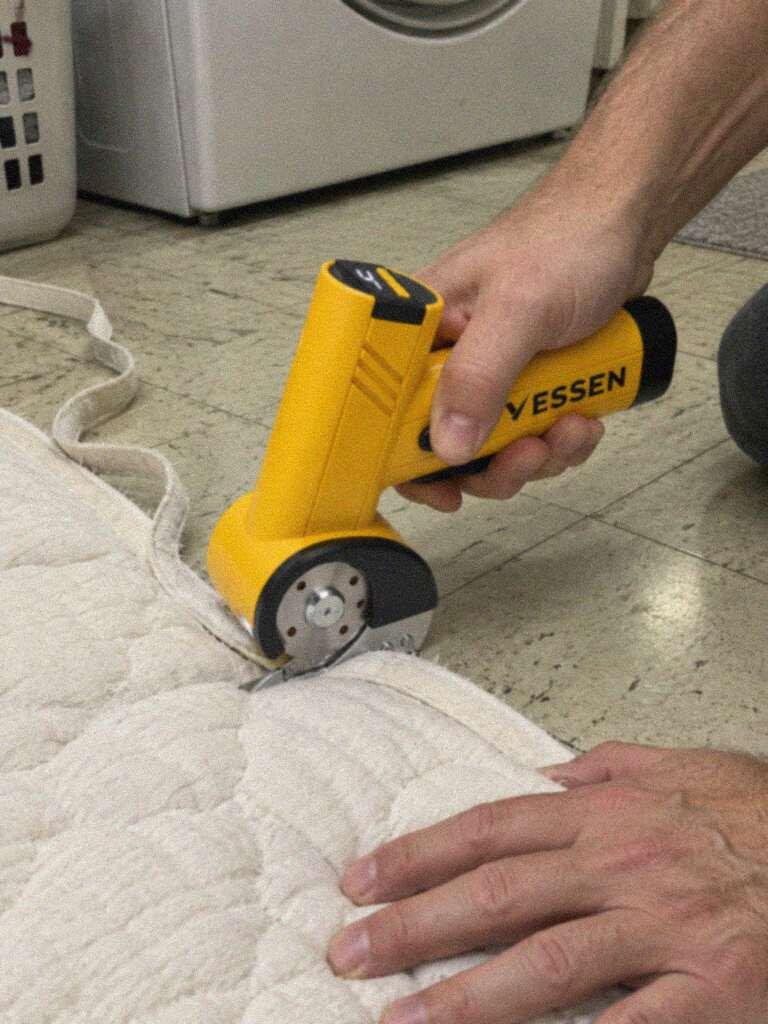
My grandma's arthritis made her last quilts so hard on her. I bought this so I wouldn't struggle the same way. My hands thank me.
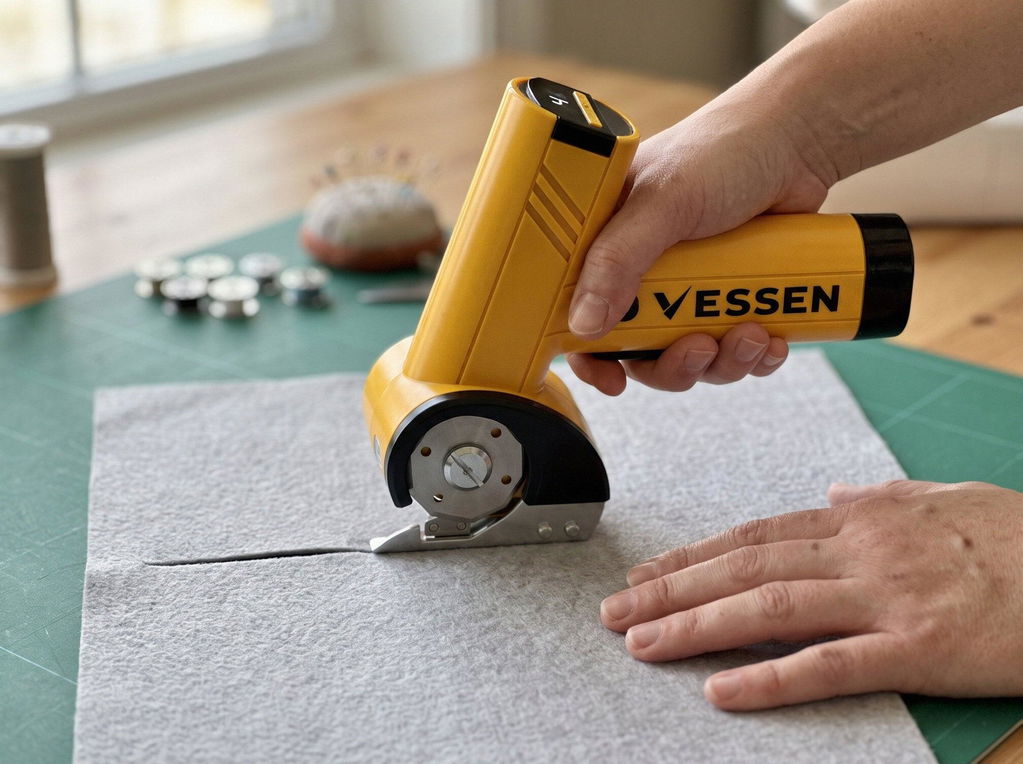
I lay the pattern down with weights and just cut around the edge. No tracing, no pain.
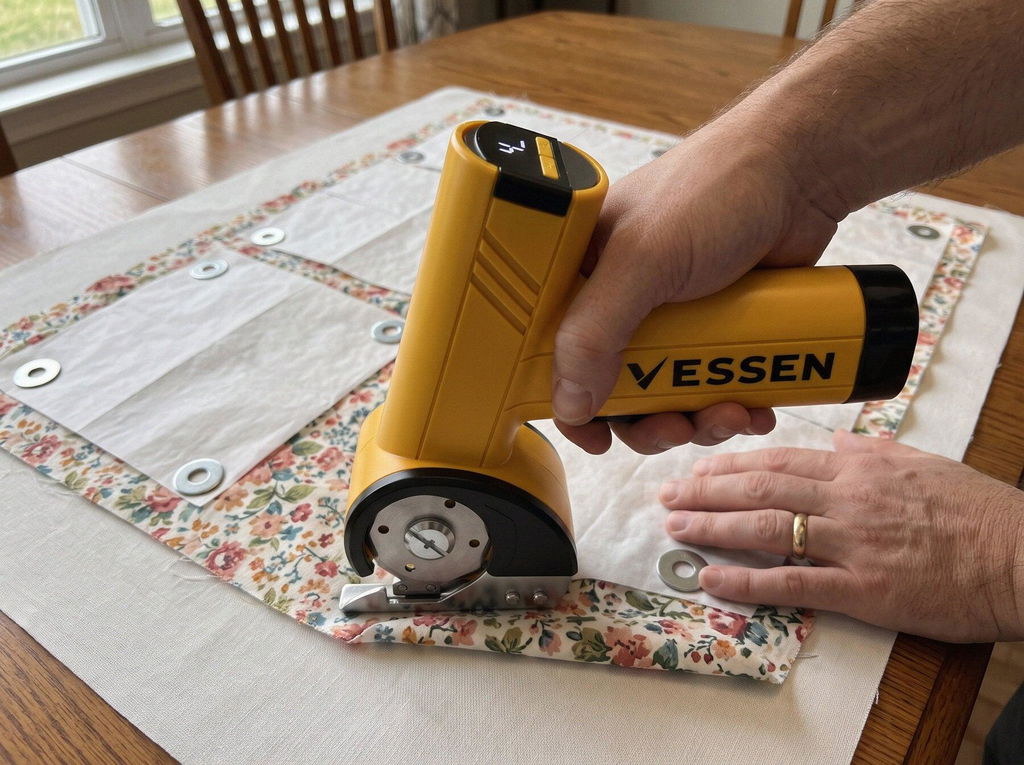
I have arthritis and rotary cutting left my shoulder sore for days. With this I just guide it along the line. Cut a whole quilt back last night and my shoulder is fine today.
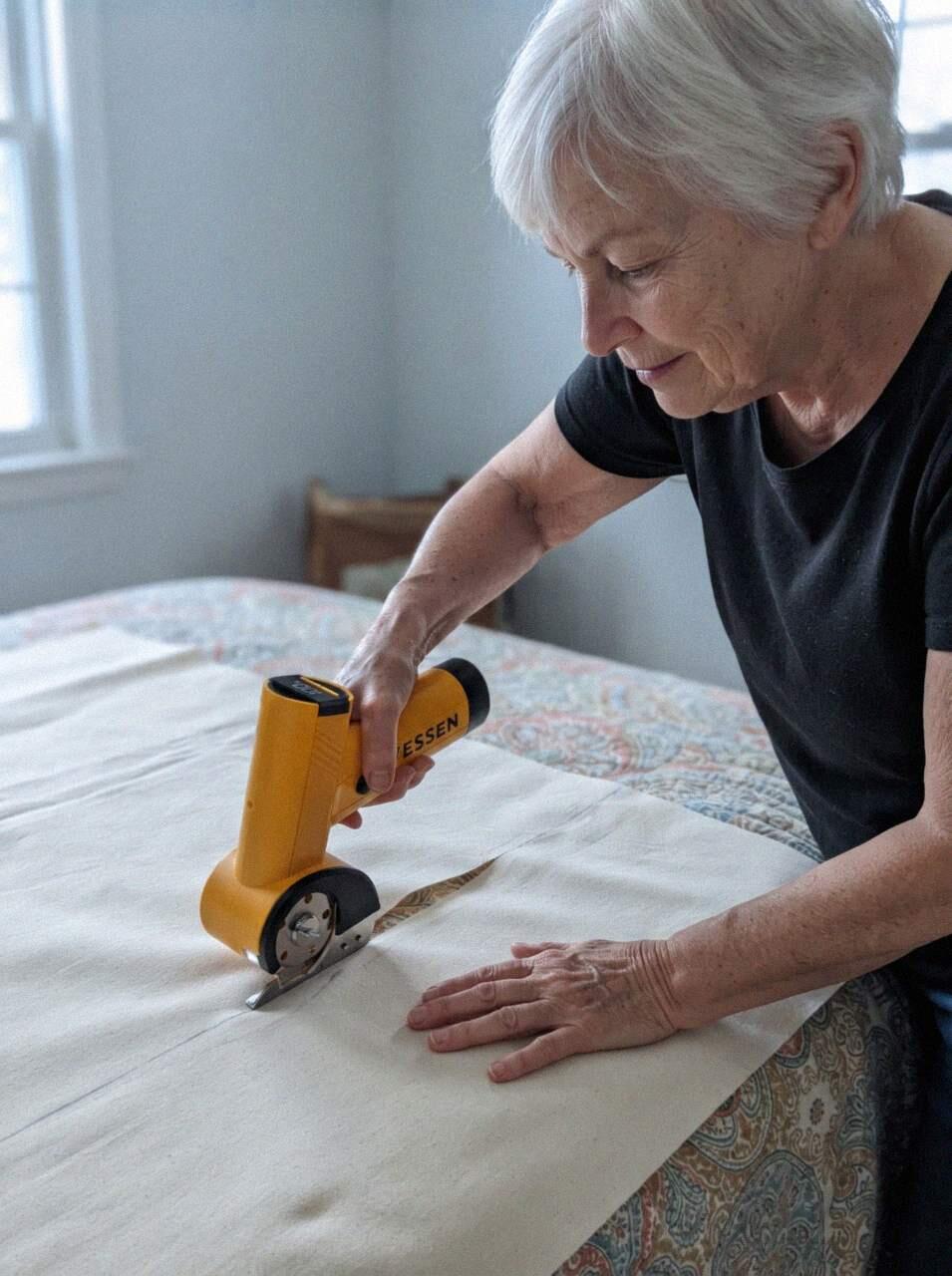
Arthritis and back pain made tracing and cutting the hardest part of sewing. Cutting is the easy part now.
I tape the pattern to the fabric and cut around it, rough first, then trim. Saves my wrists so much.
I used to cut a few squares, sew, rest, then cut a few more. Now I cut the whole project first like I used to.
Fabric and felt are no problem. On thick double-wall boxes I had to go slow and push a bit.
I'd accepted that cutting was never going to be quick or easy. I was wrong.
It used to take me two days just to cut all the pieces, and my hands hurt the whole time. I did the whole cutting step in one afternoon.
Back to quilting after carpal tunnel surgery. My surgeon said go easy on my hand. This is easy.
Not the most powerful tool in the world, but it does what it says and feels well made.